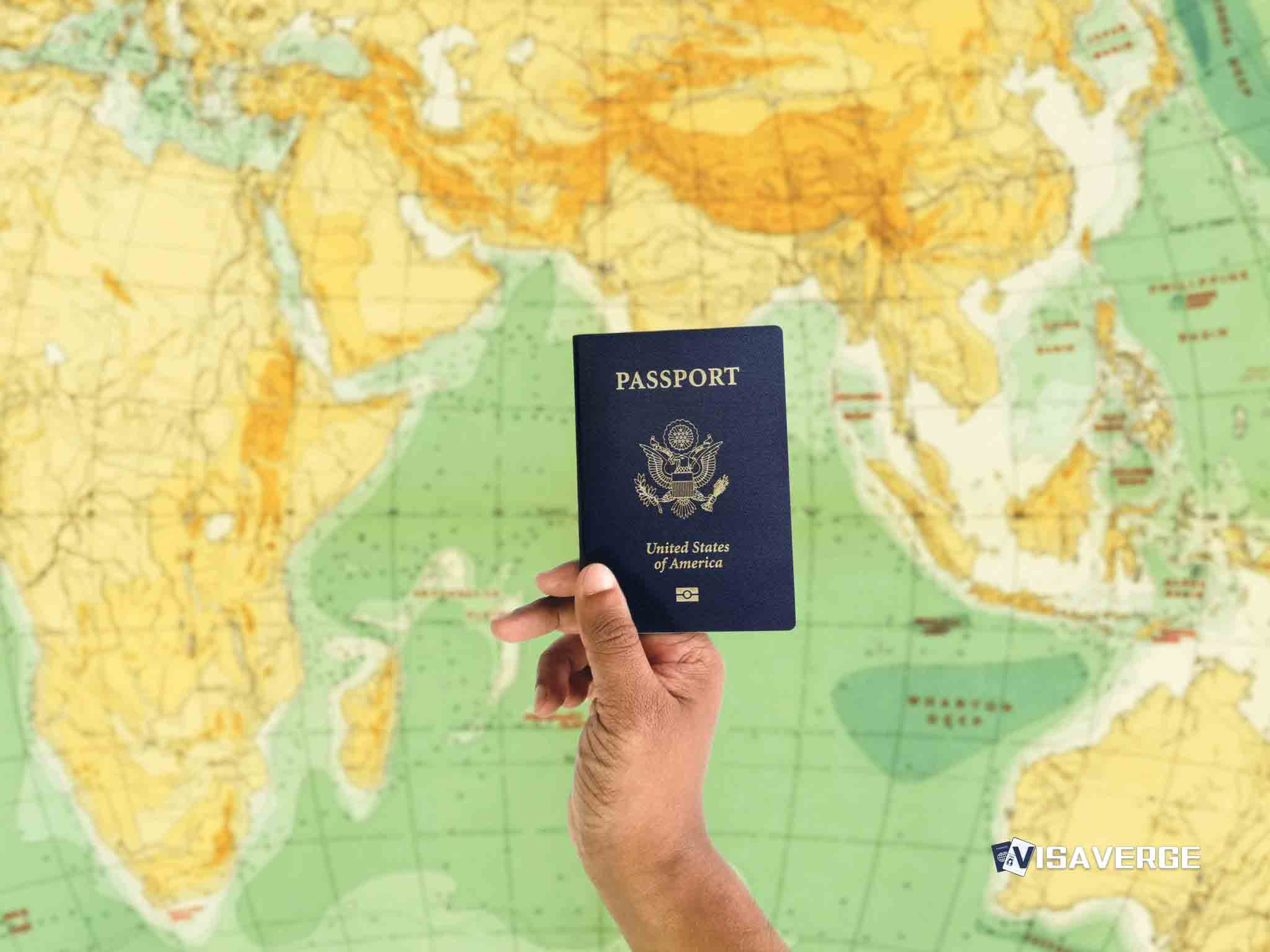
- Samsung Wallet users can now store digital passport IDs for domestic travel at over 250 TSA checkpoints.
- The feature requires a valid U.S. passport and works through a partnership with CLEAR for identity verification.
- Travelers must still carry physical identification cards because digital ID acceptance remains inconsistent across all airports.
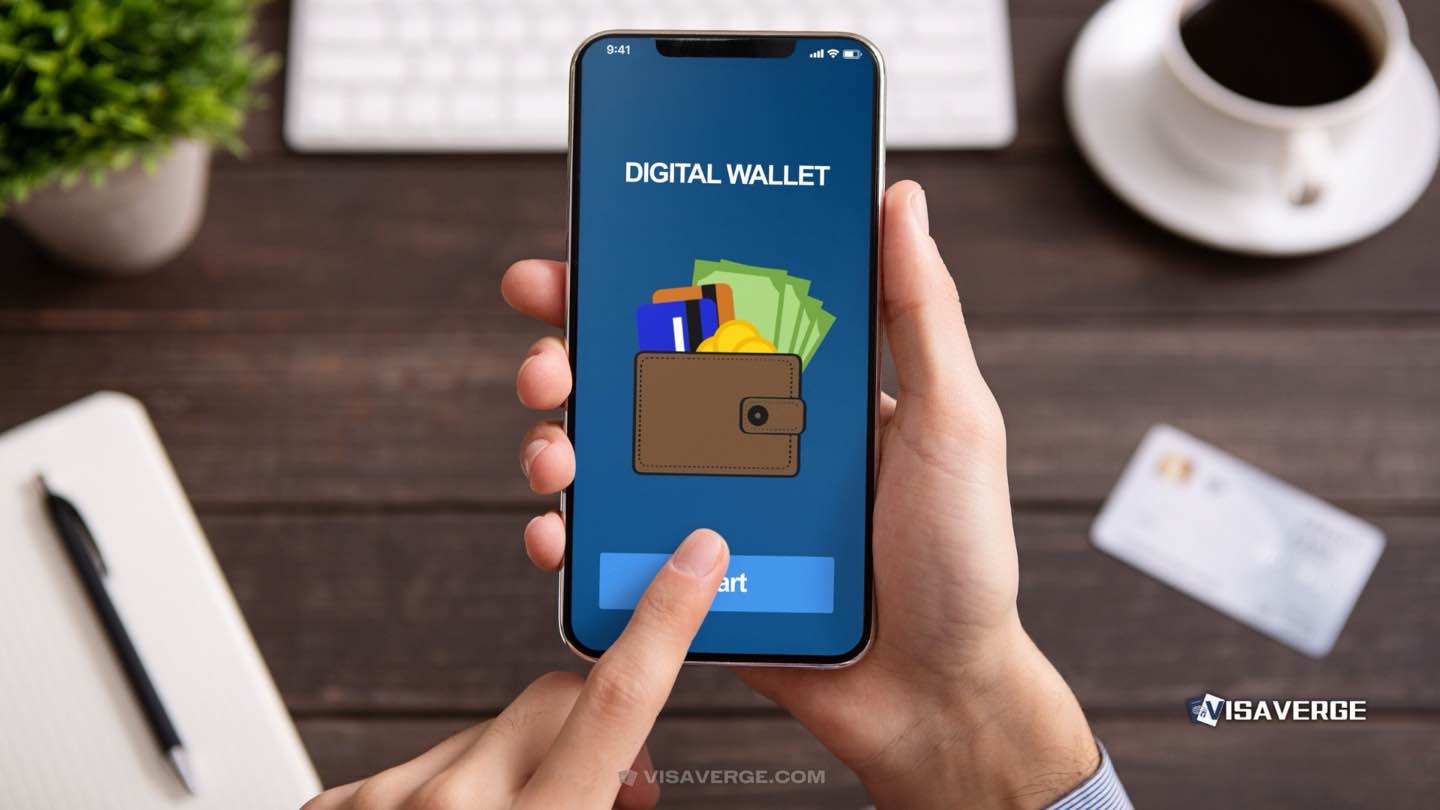
(LOS ANGELES) — Samsung Wallet users with a valid U.S. passport can now store a digital ID for domestic travel at participating TSA checkpoints, a move that could speed up airport screening for some flyers. The new option works through Samsung ID with CLEAR and does not apply to international flights.
The feature is aimed at a narrow but useful airport task: identity verification. Samsung says it is live at more than 250 TSA checkpoints and at select venues, including BMO Stadium in Los Angeles. Travelers still need to carry the right backup ID, since not every checkpoint participates.
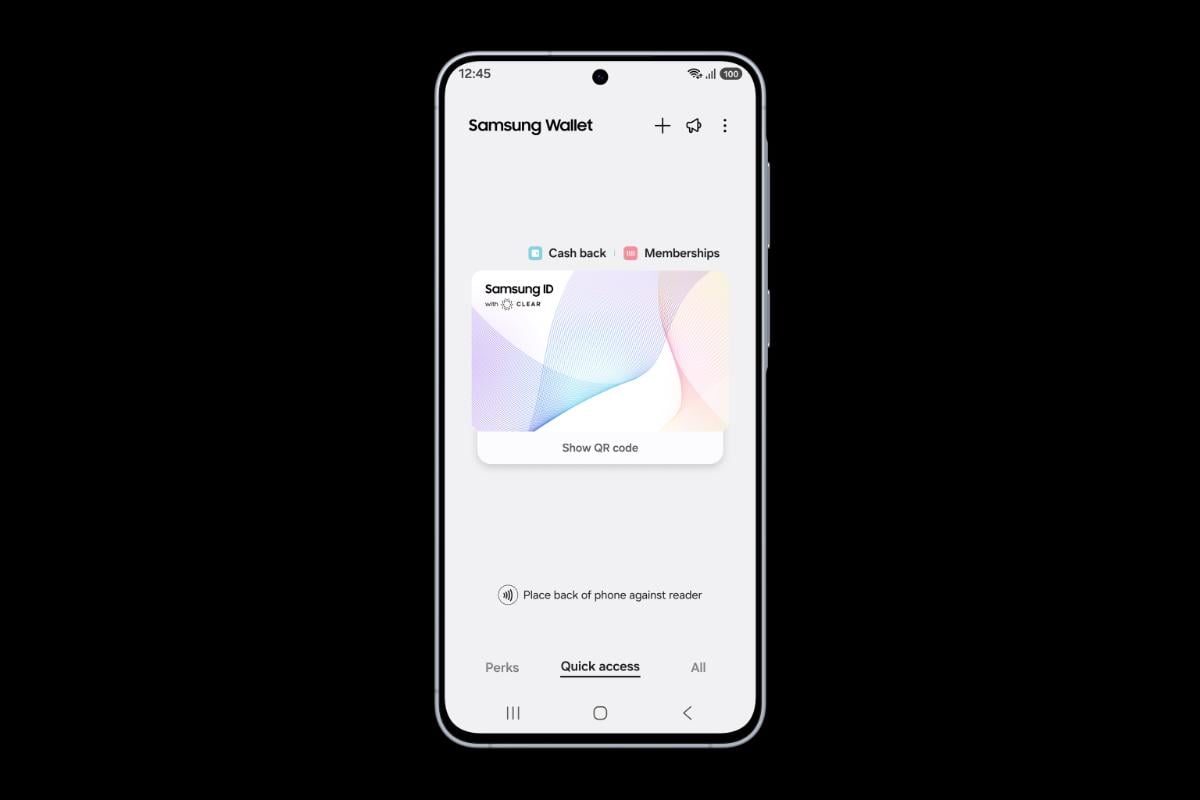
That makes the new tool most relevant on domestic trips with packed security lines. A digital passport card inside Samsung Wallet will not replace a boarding pass, and it does not change your ticket, seat assignment, or mileage earnings. But it can remove one small item from the pocket shuffle at security, especially when a physical wallet is buried in a carry-on.
Adding the ID takes a few steps. Travelers need a valid U.S. passport first. Inside Samsung Wallet, they open Quick Access, tap +, select Digital IDs, choose Samsung ID with CLEAR, and follow the prompts to create the card. Samsung announced the partnership with CLEAR on May 26, 2026.
The rollout puts Samsung in the same broad lane as other mobile identity tools now appearing at airports and stadiums. The pitch is simple: use a phone for faster identity checks instead of reaching for a passport book or driver’s license. The limits are just as clear. This feature is only for U.S. passport holders, only at participating TSA checkpoints, and only for domestic travel.
That restriction matters at busy airports where not every checkpoint is enabled. A traveler passing through one terminal may find digital ID accepted, while another checkpoint at the same airport may not take it yet. That means the phone can help, but it does not eliminate the need to travel with a physical ID.
| Feature | Samsung Wallet digital passport | Physical passport |
|---|---|---|
| Use case | Identity verification at participating TSA checkpoints | Domestic and international travel |
| Eligibility | U.S. passport holders with Samsung Wallet | Any valid passport holder |
| Coverage | More than 250 TSA checkpoints and select venues | Accepted wherever a passport is required |
| International flights | Not accepted | Required |
The limited launch also gives Samsung a way to compete for travelers who already use their phones for boarding passes, hotel keys, and payment cards. Apple has pushed mobile IDs on its own platform, and state mobile driver’s licenses have been spreading slowly across the U.S. Samsung’s tie-up with CLEAR gives it a familiar airport brand, which should help with trust at the checkpoint.
Still, the practical value depends on where someone flies. A business traveler who clears TSA at the same few airports every week stands to see the most use. A leisure flyer who departs from smaller airports will run into fewer participating checkpoints and less consistency. The same is true at venues. A digital ID that works at BMO Stadium does not mean it will work at every arena or airport entrance.
There is no loyalty-program boost tied to the feature. It does not add miles, status credits, or premium-cabin perks. The gain is convenience, not earning power. Travelers chasing elite status will still need to focus on flights, fares, and card spend; this change only affects how they identify themselves before boarding.
Samsung’s May 26 announcement also puts another layer of pressure on the checkpoint experience itself. TSA has spent years adding touchless and digital options, but airport adoption remains uneven. That leaves travelers with the same basic rule: check whether the airport participates before relying on the feature. A physical passport or other accepted ID should still stay in the bag.
The safest move is to test Samsung Wallet before your next domestic departure, then confirm that your airport checkpoint supports digital IDs. If it does not, the phone can stay in your pocket and the passport should stay in hand.