- Los titulares de pasaporte de EE. UU. pueden usar pasaportes digitales en 250 puntos TSA para controles de identidad domésticos.
- Apple Wallet exige Face ID, Touch ID o código, y los datos permanecen cifrados en el dispositivo.
- La función acelera el control, pero no reemplaza el pasaporte físico para viajes internacionales o trámites migratorios.
(UNITED STATES) U.S. passport holders can now add a digital passport to Apple Wallet and use it at more than 250 TSA checkpoints for domestic identity checks. The feature speeds airport screening, but it does not replace the physical passport for international travel, border crossings, or immigration appointments.
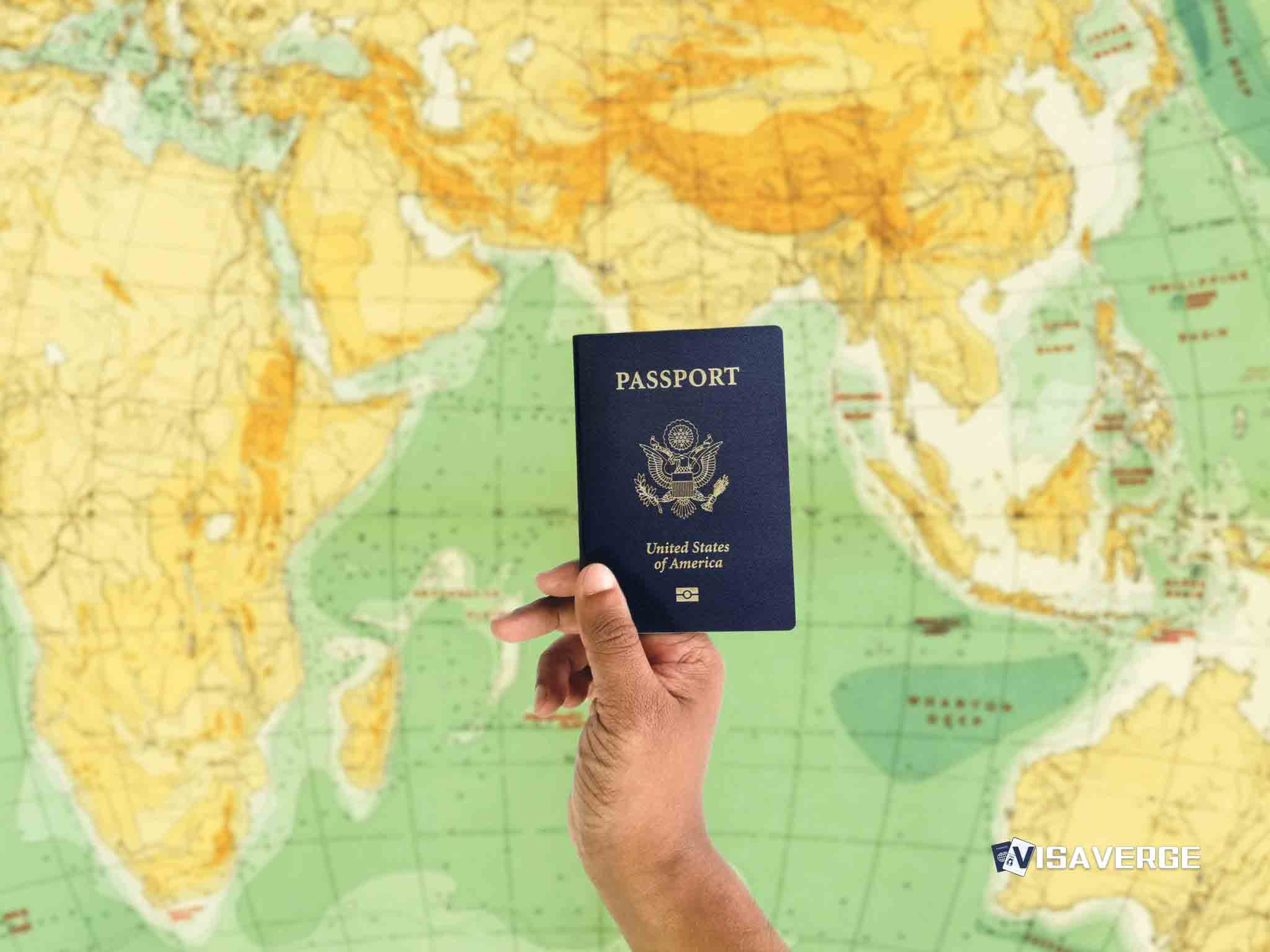
The change matters most for travelers who want a faster line at the airport, as well as immigrants, students, and frequent flyers who use a U.S. passport for daily identification. Apple says the digital passport works through iPhone or Apple Watch, with Face ID, Touch ID, or a passcode required each time it is used.
Apple rolled out the feature with iOS 16 in September 2025, after announcing it at WWDC 2025 on June 9, 2025. By early 2026, the Transportation Security Administration said it accepted the digital passport at more than 250 checkpoints nationwide. TSA also reported more than 1 million successful verifications by March 2026, with checkpoint times falling by 20% during peak hours.
Free toolSubstantial Presence Test CalculatorApple Wallet setup and first-time verification
Adding a U.S. passport to Apple Wallet takes only a few minutes. Users need a valid U.S. passport, an iPhone 8 or later with iOS 16 or newer, or a compatible Apple Watch. No separate application is required because the digital credential is tied to the physical passport.
The setup follows a simple sequence:
- Update the device through Settings and install iOS 16 or later.
- Open Apple Wallet and tap the plus sign.
- Scan the passport data page so the phone can read the document and chip.
- Complete biometric verification with Face ID, Touch ID, or a device passcode.
- Confirm the details and store the credential in Apple Wallet.
Apple says the passport data stays encrypted on the device and is shared only after user approval. The company also says there have been no successful hacks since launch, and Find My can help lock the device if it is lost.
Where the digital passport works, and where it does not
The strongest use case is TSA checkpoints for domestic flights. Travelers tap their device at the reader, then approve the request with biometric authentication. The system shares only the data needed for the checkpoint, such as name, photo, and age.
Acceptance is expanding beyond airports. Select retailers use it for age checks, and some hotel chains, rental companies, and banking branches now accept it for identity verification. VisaVerge.com reports that this wider use reflects a larger push toward digital IDs across travel and daily life.
Still, the limits are clear. The digital passport is not valid for international travel. It does not work at land borders, sea crossings, or immigration courts. It also does not replace a physical passport for USCIS interviews, consular appointments, or any process tied to immigration status. For those steps, the paper document remains the standard.
Security standards and privacy rules
Apple built the feature around end-to-end encryption and biometric locks. The user must approve each share request. That means the digital passport does not broadcast full identity details every time it is used.
The system also follows widely used digital identity standards, including ISO/IEC 18013-5, ISO/IEC 18013-7, and W3C Verifiable Credentials. Those standards are designed to make digital IDs more reliable across different systems.
That security model fits the current immigration climate, where federal agencies are pushing more digital vetting. DHS has expanded screening and USCIS opened a Vetting Center on December 5, 2025. Apple Wallet does not affect those checks, but it mirrors the broader shift toward digital proof and verified data.
Why the feature matters for immigrants and students
For many immigrants and students, the digital passport brings real convenience to ordinary life in the United States. It can make domestic flying easier, reduce the need to fumble for a wallet, and help people who want a backup for routine ID checks. It also helps at hotel desks, rental counters, and select age-verification points.
The biggest advantage is speed. At busy airports, a digital passport can shave minutes off the line and reduce stress during holiday travel. That matters for families, workers, and students who already face tight schedules.
The limits matter just as much. In 2026, travel bans and visa pauses affect many foreign nationals, including restrictions tied to Proclamation 10998 and DHS actions covering dozens of countries. A digital passport does not change any of that. It cannot remove extra screening, restore a paused visa process, or help someone enter a country where admission is restricted.
The same rule applies to employment and school life. The credential may help with everyday identity checks, but it does not replace immigration documents tied to work authorization or legal status. That includes renewed EADs, visa records, and physical passports used for official filings. For that reason, travelers should keep both the Apple Wallet version and the original document close at hand.
Practical use during domestic travel
A traveler using the digital passport at airport security should expect a quick tap, a biometric check, and a short data exchange. At many checkpoints, the process takes less than 10 seconds. A physical passport often takes longer because officers must inspect the booklet by hand.
The feature works best as a complement, not a replacement. A passenger should still carry the physical passport when international travel is possible, when connecting through border control, or when any agency asks for original documents. That is the core rule in the current system.
For readers comparing ID options, the digital passport sits beside state mobile IDs, passport books, and passport cards rather than replacing them. The passport book remains the strongest travel document. The passport card is still useful for land and sea travel. State mobile IDs help with local proof of age or identity. Apple Wallet simply adds one more secure option for domestic use.
The wider shift in U.S. identity checks
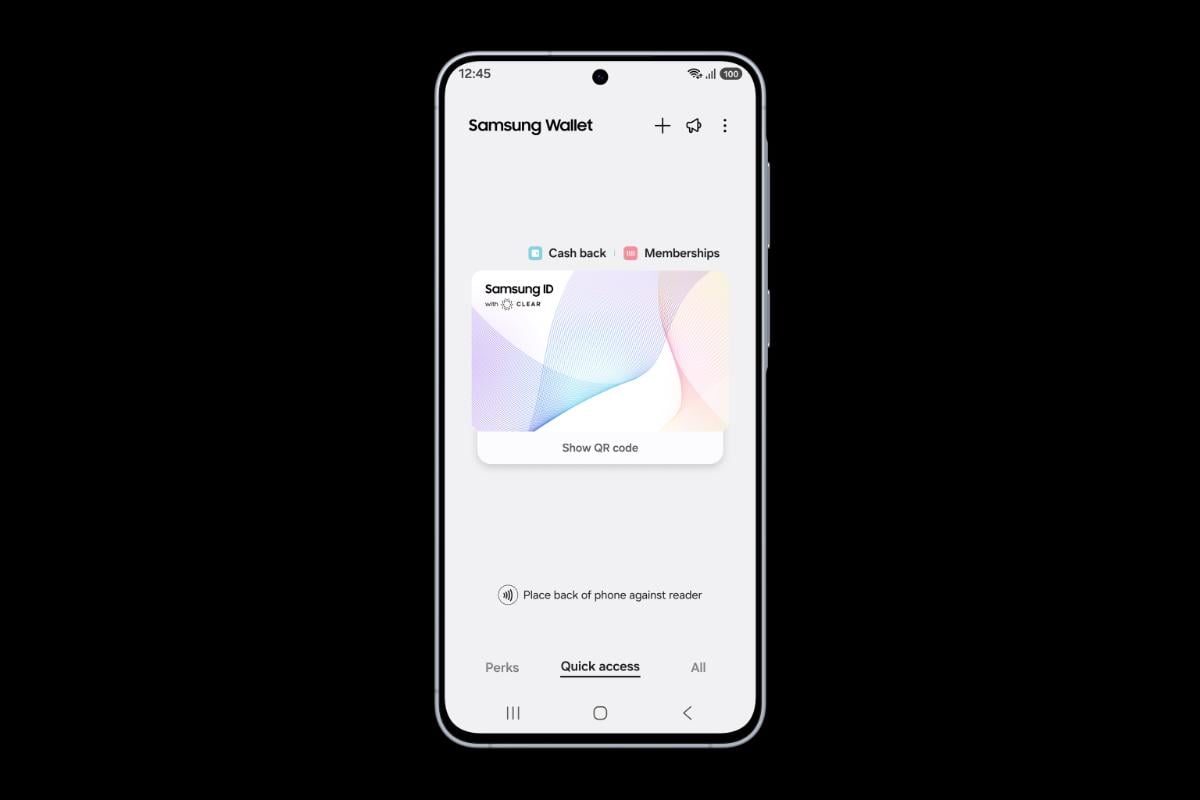
The rollout reflects a broader move toward digital identity in the United States. Apple Wallet now holds tickets, keys, state IDs in some jurisdictions, and, for U.S. passport holders, a digital passport. That trend fits a world where agencies and private companies want faster checks and fewer paper documents.
For immigration readers, the lesson is straightforward. The digital passport is useful, fast, and secure, but it sits inside a system that still depends on physical documents for borders, visas, and official immigration procedures. The technology speeds up daily life. It does not change the legal rules that govern entry, status, or removal.