- Federal agencies warn against public USB ports to prevent juice jacking and data theft at airports.
- Travelers should use personal wall chargers or portable power banks to keep sensitive documents safe.
- Using a USB data blocker adapter allows power to flow while completely preventing unauthorized data transfers.
(U.S.) Airport USB charging stations remain a TSA concern because of juice jacking, the risk that a public port can steal data or plant malware. Federal agencies still advise travelers to avoid those ports and use safer charging methods instead.
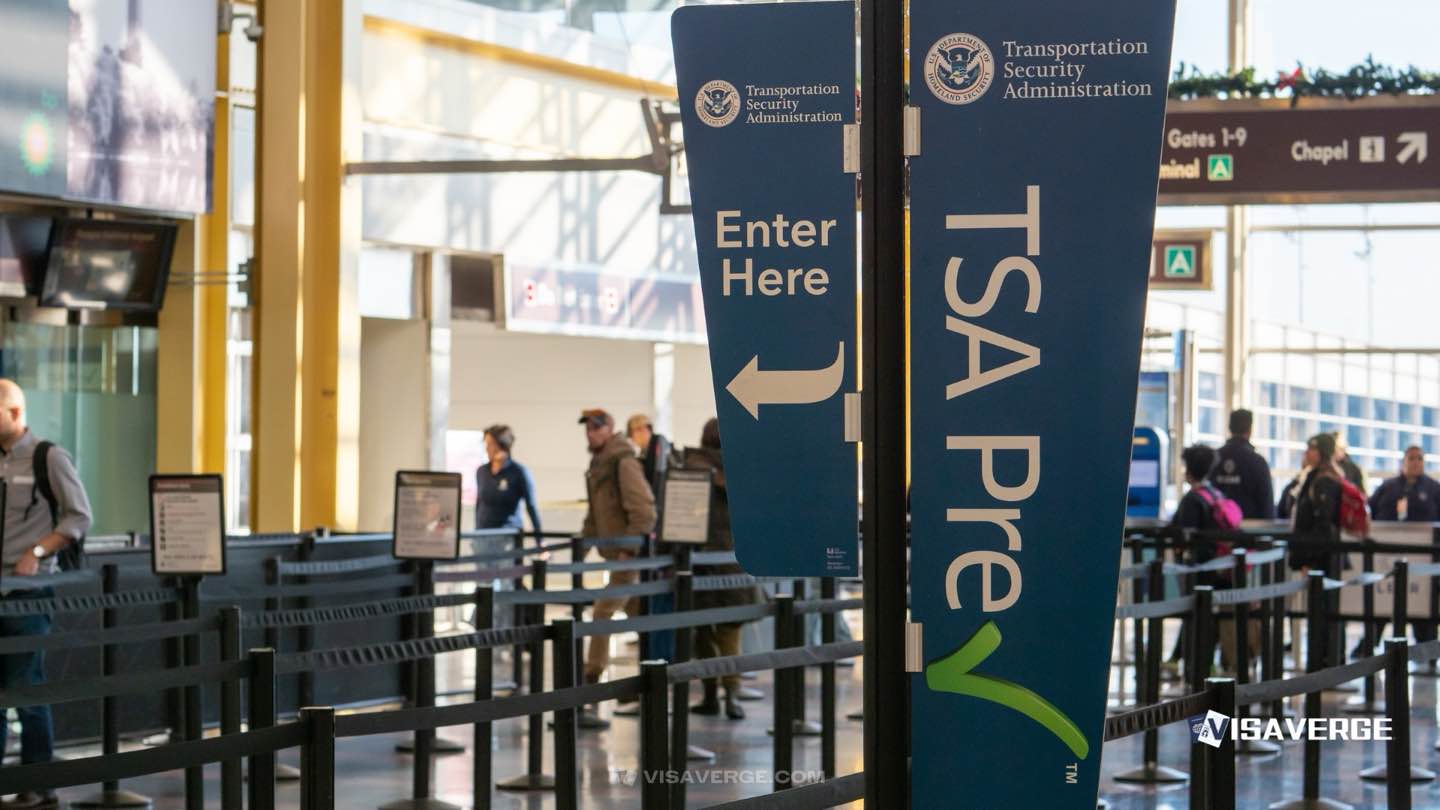
That warning matters for anyone flying through busy terminals, especially travelers who keep passports, visa papers, bank apps, and travel itineraries on one phone. According to analysis by VisaVerge.com, device security has become part of travel preparedness in the same way as carrying a boarding pass or valid identification.
Federal agencies have stayed consistent. The TSA, FCC, and FBI still caution against plugging directly into public USB ports at airports, hotels, and other shared spaces. Their advice has not changed through April 2026, and no confirmed U.S. airport juice jacking attack has been publicly reported. The risk remains real because the method is simple, cheap, and hard to spot.
How juice jacking works at an airport gate
Juice jacking uses the dual role of a USB connection. A wall outlet sends only power. A USB port can send power and data at the same time. That second channel is where the danger begins.
A tampered port can look normal. When a traveler plugs in, the phone may ask whether to trust the connected device. If the traveler taps yes, the port can try to pull data, copy files, or install malicious software. Even without a prompt, some attacks rely on hidden hardware changes or infected charging stations.
The TSA first amplified this warning in 2025, building on earlier alerts from the FCC and FBI. Cybersecurity researchers have shown the technique in demonstrations, which is enough for federal agencies to treat it as a credible threat.
TSA, FCC, and FBI guidance remains steady
The message from Washington is simple: avoid public USB ports and bring your own charging gear. The TSA advises travelers not to plug into shared USB stations and to use personal equipment with wall outlets instead. The FCC recommends USB data blockers, often called USB condoms, because they let electricity pass while blocking data transfer. The FBI warns that tainted ports can also carry spyware or ransomware.
Travelers can review the TSA’s current passenger guidance on the official TSA website. The FCC’s juice jacking advisory also explains why public USB charging is risky.
Safe charging choices that avoid the risk
A safer airport routine takes little effort:
- Use wall outlets with your own charger. Bring the cable and AC adapter from home. Wall power does not create the same data risk.
- Carry a power bank. Keep it in your carry-on, not checked baggage. TSA rules allow portable chargers up to 100Wh, which is about 27,000mAh for many models.
- Pack USB data blockers. These small adapters block data pins while letting power through.
- Switch to charge-only settings. Some phones let users disable data transfer, use Airplane Mode, or restrict USB access.
- Power off before plugging in. A shut-down device reduces exposure.
These are low-cost habits. They also reduce stress when gates are crowded and outlet space is limited.
Why the warning matters for immigrants and visa holders
The issue is not immigration-specific, but the stakes are higher for people who depend on their phones for travel and case tracking. Visa applicants often store passport scans, consular appointment emails, USCIS notices, travel receipts, and family documents on their devices. A compromised phone can expose all of that at once.
That risk is especially uncomfortable in a year marked by tighter digital screening. Travelers facing online presence checks, travel restrictions tied to nationality, or long waits for work authorization have more to lose if their device is breached. A hacked phone can expose social media accounts, immigration files, and financial records in one shot.
For people carrying documents to a consular interview or a port-of-entry inspection, a clean device matters. It helps protect personal data and reduces the chance of delays caused by a locked phone, missing files, or account problems.
What happens if a device is compromised
The damage from juice jacking does not always appear immediately. A traveler may leave the airport with no warning signs, then discover trouble later.
Common fallout includes:
- stolen passwords or account logins
- copied photos, contacts, and messages
- fraudulent charges or banking access
- malware that blocks the device until payment
Identity Theft Resource Center data cited in federal discussions shows that losses can exceed $10,000 for some victims. The financial hit is only part of the problem. Restoring a phone during travel is slow, expensive, and disruptive.
Airport habits that lower exposure
A simple routine makes the trip safer. Charge fully before leaving home. Pack a charger, a power bank, and a USB data blocker. Keep software updated on both iPhone and Android devices, because system patches close many known security holes.
At the airport, look for wall outlets near gates before the crowd grows. Skip any kiosk that offers a free USB plug, even if the station looks polished or branded. If no outlet is open and your battery is low, a USB data blocker is better than a direct connection.
After the flight, check for odd device behavior, run a malware scan if you use security software, and change passwords if anything feels wrong. Travelers carrying immigration paperwork should also keep those files encrypted.
Airport operators are responding slowly
Airports are not rebuilding terminal charging systems overnight. Some hubs have added more wall outlets, and a few have installed power-only options or station signage that repeats federal warnings. That is a practical response, not a regulatory shift.
Security firms say attempted juice jacking remains active worldwide, even if U.S. airports have not seen a confirmed public case. Jae Ro of SIGNAL + POWER has said the technical feasibility alone justifies caution. That view matches the federal stance: the absence of a confirmed incident is not the same as safety.
The simplest rule for travelers
Public USB charging is convenient, but convenience is exactly what cybercriminals count on. The safest choice is still the old-fashioned one: carry your own charger, use a wall outlet, or rely on USB data blockers and a power bank.
For travelers who depend on phones for boarding, navigation, banking, and immigration records, that one habit protects far more than battery life. It protects identity, money, and the documents that keep a trip on track.