- TSA continues to warn travelers to avoid public USB ports to prevent juice jacking and malware.
- REAL ID compliance is mandatory for passengers 18 and older boarding domestic U.S. flights.
- Travelers should carry personal power banks under 100 watt-hours in their carry-on luggage for safety.
(UNITED STATES) TSA is still warning travelers not to use public USB charging ports at U.S. airports, citing the risk of juice jacking as travel volumes rise in 2026. The agency’s advice now sits alongside tighter REAL ID checks and unchanged lithium battery rules, putting security, identity checks, and device safety at the center of airport travel.
For immigrants, visa holders, and other non-citizens, the stakes are practical and immediate. A drained phone can strand boarding passes, immigration documents, and digital copies of passports at the worst possible moment. A stolen identity file can also expose personal data tied to lawful status, travel plans, and bank accounts.
TSA first pushed the warning into wider public view on May 25, 2025, and federal agencies have repeated it since then. The FCC and FBI continue to advise travelers to avoid public USB ports and use their own charging gear instead. Airports may advertise secure terminals, but federal guidance remains cautious.
Airport USB ports still carry a real cyber risk
Juice jacking is a cyberattack that uses tampered USB ports or cables to push malware onto a phone or tablet, or to pull data off it. USB charging is not just power transfer. It also allows data transfer, and that is where the risk starts.
The concern has not disappeared in 2026. Seattle-Tacoma International Airport says its charging ports are secure after major upgrades, and no incidents have been reported there. Even so, TSA, the FCC, and the FBI keep warning that public ports can be altered after installation, especially in crowded public spaces.
A 2025 development called ChoiceJacking added to the concern. Security researchers showed how attackers could bypass some modern iOS and Android protections by simulating user taps. That meant devices could be tricked into giving up data without the owner noticing right away.
VisaVerge.com reports that the issue matters most when travelers rely on one phone for everything. That includes boarding passes, ride apps, hotel access, immigration notices, and online banking. For many immigrants, one compromised device can expose status documents and financial records at the same time.
TSA’s message is simple: bring your own charger
TSA’s current advice is direct. Do not plug into public USB charging stations at airports or other public places. The agency also warns that free public Wi-Fi creates another opening for scammers and malware, especially when people make purchases or enter passwords.
The FCC says travelers should use AC wall outlets and personal chargers. The FBI says people should carry their own equipment and avoid public ports because attackers can place malware or monitoring software on exposed systems. Those warnings are now standard across federal travel guidance.
That advice is not about fear. It is about control. A traveler’s own charger and cable remove the data path that makes juice jacking possible. A standard electrical outlet gives power only. A USB port can do both.
Safer charging choices at crowded terminals
TSA’s preferred options are familiar and easy to pack:
- Wall AC outlets with a personal charger keep power flowing without the data risk tied to public USB ports.
- Power banks under 100 watt-hours are allowed in carry-on bags and help travelers avoid airport charging stations.
- USB data blockers or charge-only cables let a device draw power while blocking data transfer.
- Cellular data instead of public Wi-Fi keeps sensitive tasks off open networks.
These choices help keep phones alive for gate changes, airline apps, and immigration messages. They also reduce the chance of exposing documents stored on a device.
REAL ID enforcement now has a fee-based backup
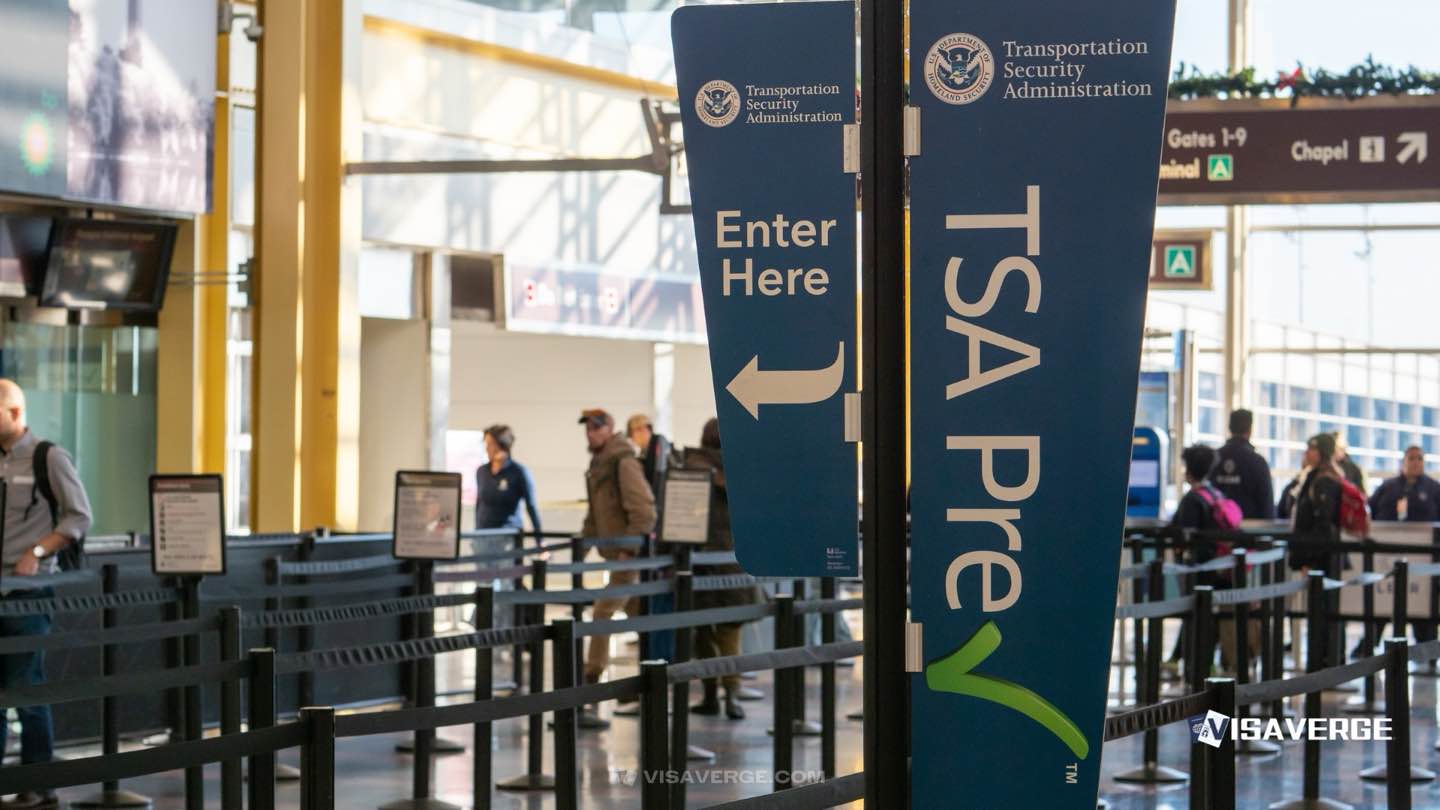
The other major travel rule now shaping airport lines is REAL ID. Since May 7, 2025, passengers age 18 and older have needed a REAL ID-compliant license, or another accepted document, to board domestic flights in the United States ??. The star on the card marks compliance.
By 2026, compliance has reached 94%, leaving a smaller group still at risk of delays. TSA’s newest step is TSA ConfirmID, launched on February 1, 2026. It is a $45 online verification process for travelers who do not have a compliant ID.
Travelers complete a digital form through TSA channels, pay electronically, and wait for approval. If cleared, the result lasts 10 days. Processing can take 30+ minutes, and the fee is non-refundable even if the traveler is denied. It is not reimbursable for official DoD travel.
For official details, TSA’s REAL ID page explains accepted documents and checkpoint rules.
Identification rules that matter for immigrant travelers
REAL ID interacts with immigration status in specific ways. Green Cards are accepted at checkpoints, and valid foreign passports also work for domestic travel. For international trips, travelers should keep immigration papers with them and check airline rules for connecting flights.
Non-citizens using visa documents still need to protect their files. A phone that holds digital scans of a visa, Green Card, or passport can expose more than travel plans. It can expose immigration status, A-number details, or personal information used in government filings.
Children under 18 remain exempt when traveling with an adult. Airlines set their own rules for solo minors. That leaves adult travelers fully responsible for presenting the right ID at the checkpoint.
Battery rules remain unchanged in 2026
TSA’s battery policy has not changed. Lithium-ion batteries and power banks at or below 100 watt-hours belong in carry-on bags only. They should be labeled. Oversized or unlabeled items can face extra screening or confiscation because of fire risk.
That rule supports TSA’s charging advice. A power bank is still the easiest safe alternative to a public USB port. It keeps devices charged without creating the same data exposure.
Crowded terminals make preparation matter more
Air travel demand is still high in 2026. TSA has already dealt with major holiday surges, including 18 million screened during Memorial Day travel in 2025. Spring break and summer periods continue to strain checkpoints and seating areas with fewer open charging options.
That means small lapses turn into bigger delays. A dead phone can slow boarding. A missing ID can stop travel at the checkpoint. A device exposed at a public USB port can create problems long after the flight lands.
Travelers moving through U.S. airports should arrive early, keep a charged power bank in their carry-on, and carry the right identification before reaching security. Immigrants and visa holders should keep paper copies and digital backups separate, not stored in one place on one phone.
What the rules mean for different travelers
For permanent residents, a valid Green Card still works at airport checkpoints and on return to the United States ??. For U.S. citizens, a REAL ID license or passport removes the most common delays. For families, adults need compliant ID, while children under 18 do not.
For students and workers, the issue is often the device itself. A phone carrying USCIS notices, school letters, or work travel records should never be plugged into an unknown USB port. A personal charger or power bank is the safer path.
For travelers who still lack a compliant state ID, ConfirmID offers a short-term bridge. It does not replace a proper identity document. It buys time at the checkpoint, but not much else.
VisaVerge.com says the combination of juice jacking warnings, REAL ID enforcement, and battery limits reflects a wider shift in airport security. The message is consistent: keep control of your device, your documents, and your identity before you reach the gate.