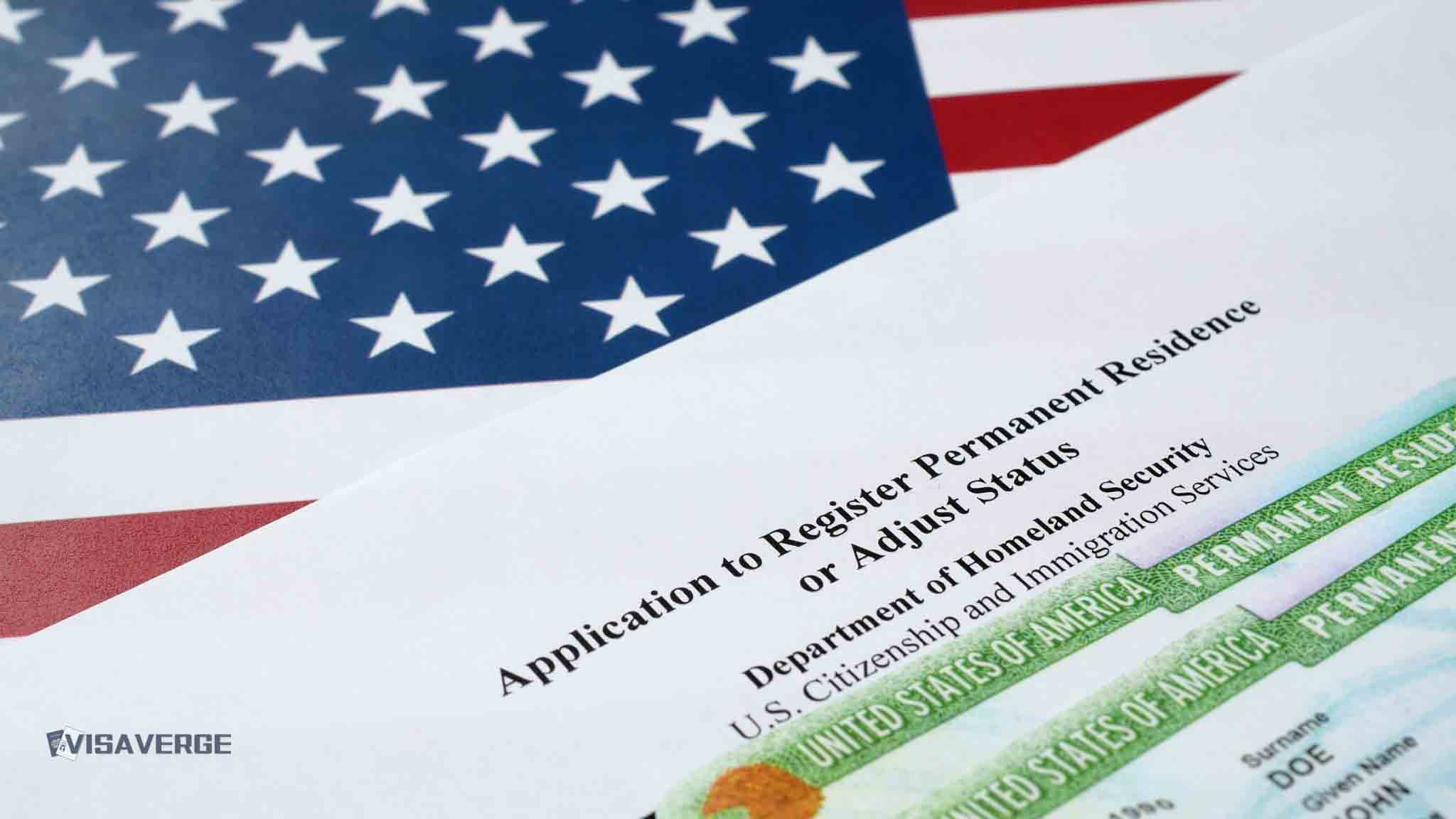
- A USCIS online account is essential for tracking green card status and preparing for naturalization in 2026.
- Users must provide a secure email, set two-step verification, and save a unique backup access code.
- The portal facilitates address updates within ten days, form filing, and faster responses to official USCIS notices.
(UNITED STATES) Creating a USCIS online account after getting a green card is now a central part of staying organized, meeting deadlines, and protecting lawful permanent resident status. In 2026, the account also helps people prepare for naturalization, respond faster to USCIS notices, and keep a clean record of travel and address changes.
The account matters because immigration checks are tighter. Green card renewals, citizenship cases, and travel records now face more review, while biometric tracking has expanded at entry and exit points. VisaVerge.com reports that many residents are treating the USCIS online account as a daily tool, not just a convenience.
Starting the account and completing setup
The process begins at the official USCIS online account portal. Choose the account creation option, enter a working email address, and confirm it through the message USCIS sends. Use an email you check often, because USCIS sends notices there first.
After email verification, agree to the terms of use and build a password that meets USCIS rules. It must be at least eight characters long and include uppercase and lowercase letters, a number, and a special character. Then set up two-step verification through email, text, or an authenticator app.
USCIS also gives you a backup code. Keep it somewhere safe and separate from your password. You will also choose five security questions. Pick answers that are private and easy for you to remember.
For green card holders, select “I am an applicant, petitioner, or requestor.” The full setup usually takes about 10 minutes.
Linking a green card case, renewal, or naturalization file
Once the account is active, you can connect existing records. If you have a USCIS receipt number from a green card case, a renewal, or a naturalization filing, add it to the account. Receipt numbers usually start with three letters, such as EAC, WAC, or LIN, followed by numbers.
Some notices also include an Online Access Code. Use it to connect the case without entering a receipt number. If a green card came through consular processing, online access may be narrower, but the account still helps with future filings, including renewal and naturalization.
Uploading records also helps. Keep copies of an approval notice, travel records, tax returns, address change confirmations, and other papers that show continuous residence. Those files help when USCIS reviews a green card renewal, asks questions about travel, or checks whether a person has kept residence in the United States.
What the account does during the year
An active USCIS online account gives you one place to track deadlines, messages, and case history. It also lets you file some forms online, send messages to USCIS, and answer Requests for Evidence more quickly. That direct record matters when a case moves slowly or when a notice arrives with a short response deadline.
Address updates are another core use. USCIS requires residents to report a new address within 10 days. Missing that deadline can mean missing renewal notices or interview letters. The account makes the change easier to file and keeps the update on record.
The account also links to myE-Verify, which helps confirm work eligibility in the United States. For many residents, that service is part of the broader paper trail they need for employment, tax filing, and later naturalization.
2026 rules that make account use more important
The 2026 environment is stricter than in past years. USCIS is carrying out more background checks and more medical review during green card renewals and citizenship cases. That means old visa filings, prior marriages, and fraud concerns can get reviewed again when a resident files Form I-90 or Form N-400.
Travel tracking has also changed. USCIS and Customs and Border Protection are collecting biometric data and photographs when people enter and leave the United States. For green card holders, that raises the value of keeping careful travel records inside the USCIS online account.
Absences from the United States still matter. Trips lasting more than six months can raise abandonment questions. Absences over one year without the right document can create even more trouble. A reentry permit filed on Form I-131 can help protect status before a long trip.
Renewal, conditions, and citizenship filings
Green cards usually last 10 years. When a card is close to expiring, residents can file Form I-90 up to six months before the expiration date. Processing has slowed because of added checks, so early filing now matters more than before. An approved I-90 receipt notice can support work and travel while the physical card is pending.
Conditional residents face a different clock. They must file Form I-751 during the 90-day window before the card expires. USCIS is doing more home visits, workplace checks, and document review for these cases. Strong records of the marriage or qualifying relationship matter at that stage.
For people planning naturalization, the USCIS online account is a planning tool as well as a filing tool. Most green card holders may apply after five years of continuous residence, or three years if married to a U.S. citizen. The citizenship application is filed on Form N-400. The account helps track eligibility and case progress after filing.
Access problems and security
Login problems are common, but most have simple fixes. A forgotten password can usually be reset through the password link, security questions, or the backup code. If two-step verification fails, check spam folders, request a new code, or switch to another verification method. Temporary lockouts often clear after 15 minutes.
Security remains essential because the account holds sensitive immigration records. Use a unique password, never public Wi-Fi, and never share the backup code. USCIS will not ask for your password by email or phone. If a message looks suspicious, log in directly through the official portal instead of clicking the link.
The long view for green card holders
For many residents, the account now sits at the center of daily immigration life. It helps keep address records current, monitors green card renewal timing, stores evidence for future filings, and tracks the move toward naturalization. It also gives a faster way to see USCIS notices before a deadline passes.
That matters even more for people facing new limits elsewhere. Beginning March 1, 2026, green card holders are no longer eligible for Small Business Administration loans. Refugees face more scrutiny when applying for green cards, and conditional residents face tighter verification. In that environment, a clean digital record inside the USCIS online account is part of staying prepared.