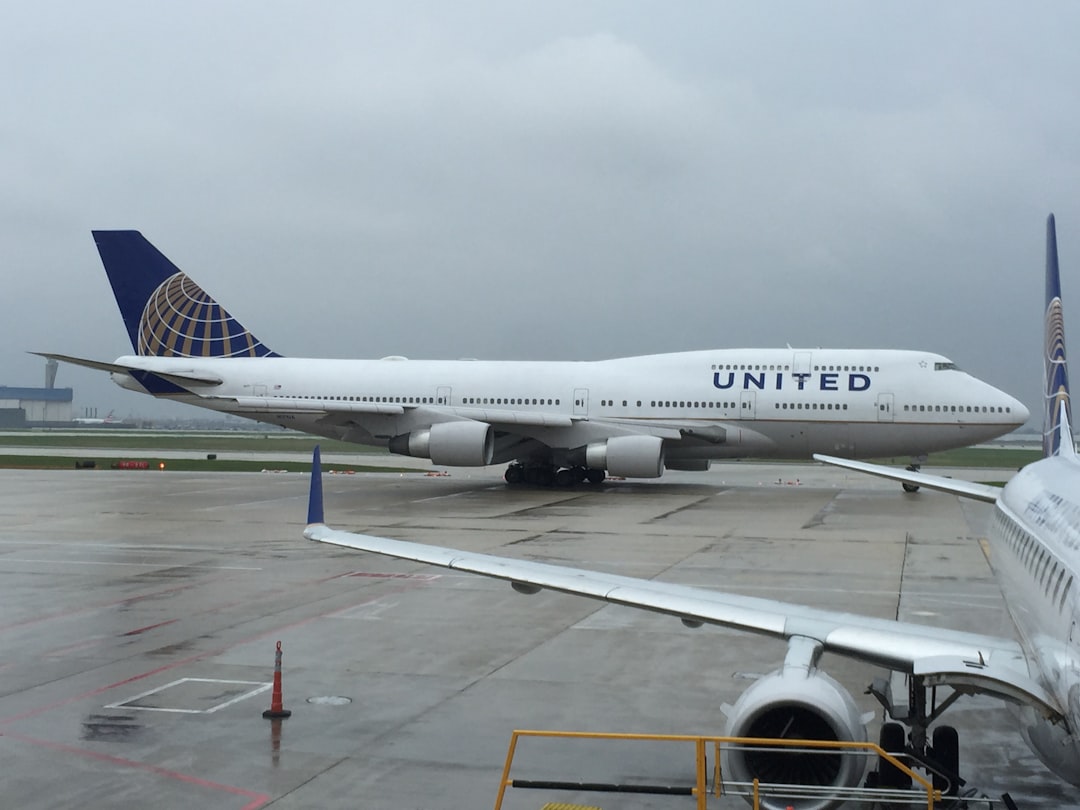
(UNITED STATES) United Airlines passengers using iOS 26 can now do much more from a single digital boarding pass in Apple Wallet, with real-time flight tracking, airport maps, and baggage tracking available today. United is the first carrier to fully support Apple’s new boarding pass upgrades, which rolled out with iOS 26. Apple’s tools bring flight status, gate updates, and directions through busy terminals together in one place, making it easier to move through the airport without juggling multiple apps or paper passes.
Live Activities: flight status on your Lock Screen and Dynamic Island

The most visible change is Live Activities for flights. After adding a United boarding pass to Apple Wallet, iPhone users can tap a button in Wallet to start a Live Activity that shows live status, gate changes, and delays right on the Lock Screen or the Dynamic Island on supported models.
This is not automatic—travelers must press to enable it—but once it’s on, updates appear in real time without opening the United app or email. The opt-in design gives passengers control while surfacing timely alerts exactly when they’re needed.
Free toolB1/B2 Tourist Visa Stay Calculator onlineImportant: Live Activities must be enabled manually from the Wallet pass.
Embedded airport maps: turn-by-turn indoor directions
For large hubs such as Chicago O’Hare, the new embedded airport maps may be especially helpful. From the boarding pass, travelers can open a map and follow turn-by-turn directions from security to the gate. If a connection is tight, these directions can reduce wrong turns and last-minute sprints.
The map shortcut sits directly below the pass in Wallet, so it’s quick to access during a rush.
Baggage tracking with Find My
iOS 26 adds Find My integration for checked bags through shortcuts in Wallet. If a traveler places an AirTag in a checked suitcase, they can:
- Open Find My from the boarding pass
- See the bag’s location in real time
- Set alerts or report a delay
This gives passengers a second source of truth when a bag doesn’t show up on the carousel as expected. The feature does not change airline handling rules, but it provides clearer, faster information when something goes off track.
Flight sharing: keep others updated (without exposing sensitive details)
With flight sharing, iOS 26 lets a traveler share the Live Activity so others can see flight status on their own phones. Shared information includes the live schedule and gate data, while sensitive details such as seat number and boarding group do not appear.
Use cases:
– Parents tracking a child’s solo flight
– A partner or friend arranging pickup
– Anyone who wants a simple, shared feed of arrival and gate updates
Automatic boarding pass updates
Apple Wallet also refreshes the pass itself. The boarding pass updates automatically with gate, departure time, and other changes, keeping the most current version at hand.
For United flyers, this means the digital pass becomes a single source for status, navigation, and baggage checks—all tied to the same iOS 26 Wallet view.
Summary of what’s new for iOS 26 boarding passes on United
- Live Activities for Flights: Activate from the Wallet pass to see real-time status, gate changes, and delays on the Lock Screen or Dynamic Island. (User must tap to enable.)
- Airport Maps: Embedded terminal maps provide turn-by-turn directions from security to the gate.
- Baggage Tracking via Find My: Use an AirTag in a checked bag and jump to Find My from the pass to monitor location and report an issue.
- Flight Sharing: Share the Live Activity so friends or family can follow status without seeing sensitive seat details.
- Automatic Updates: Boarding passes refresh automatically with gate and departure changes.
How to enable and use these features (quick steps)
- After check-in, add your United boarding pass to Apple Wallet on your iOS 26 device.
- Open Wallet, tap the pass, and press the button to enable the Live Activity.
- Use the shortcuts under the pass to open airport maps or jump to Find My for baggage tracking.
- To share status, use the pass’s sharing option so trusted contacts can view live updates.
Privacy and security
Privacy remains a key concern. Apple says these features use end-to-end encryption. Still, questions persist about sharing real-time location data with airline systems when travelers enable features like flight sharing or bag tracking shortcuts.
Key points:
– Live Activity is opt-in—you choose when to enable it.
– Baggage tracking shortcuts open Apple’s tools directly from the pass, so travelers decide when and what to share.
– End-to-end encryption is used, but users should be mindful when sharing Live Activities or enabling tracking tools.
Broader context and rollout timeline
According to analysis by VisaVerge.com, iOS 26 ties live flight tools to the boarding pass itself rather than scattering them across apps. The change is practical: fewer taps, clearer updates, and a simpler handoff from security to the gate.
Apple has said additional airlines are expected to add these features soon. As of October 2025, carriers expected to roll out support include:
- Air Canada
- American
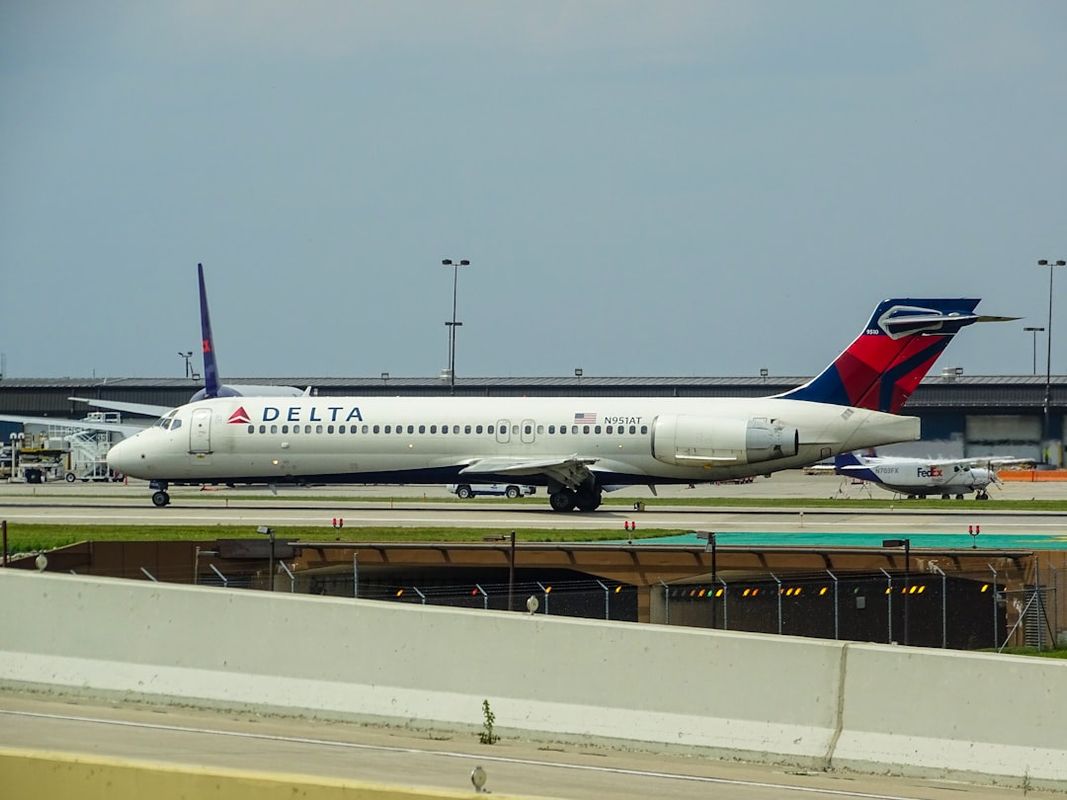
- Delta
- JetBlue
- Jetstar
- Lufthansa
- Qantas
- Southwest
- Virgin Australia
However, these carriers have not yet matched United’s full implementation.
Apple’s Wallet upgrades are part of a wider iOS 26 travel push that includes upcoming digital passport support and AI-driven order tracking tied to Wallet. Apple has not issued detailed timing for those additional plans, but the message is clear: the boarding pass is becoming the travel hub on the phone.
Important ID and TSA reminder
For travelers passing through U.S. checkpoints, a mobile boarding pass does not replace government-issued identification required by security. Federal guidance on acceptable IDs is available from the Transportation Security Administration:
- See TSA’s official page on identification requirements at https://www.tsa.gov/travel/security-screening/identification.
Airline boarding procedures and TSA rules operate separately; having both a valid boarding pass and acceptable ID remains essential.
Practical takeaway
For now, United’s full support on iOS 26 sets a practical baseline for passengers. The single tap to activate Live Activities reduces the chance of missing alerts, gate changes appear faster, directions through unfamiliar terminals are a tap away, and a simple link to Find My makes tracking a checked bag less of a blind spot.
The bottom line for iPhone users on iOS 26: if you’re flying United Airlines, add your boarding pass to Apple Wallet, turn on the Live Activity, and use the built-in map and Find My shortcuts. With those steps, your phone becomes a live flight board, a terminal guide, and a simple doorway to bag tracking—no app shuffle required.
This Article in a Nutshell
United Airlines is the first carrier to fully implement iOS 26 boarding pass upgrades in Apple Wallet. Passengers who add a United pass can enable Live Activities to receive live flight status, gate changes, and delay notifications directly on the Lock Screen or Dynamic Island. The Wallet pass also offers embedded terminal maps with turn-by-turn directions, Find My integration for AirTag-equipped checked bags, and a flight sharing option that shares schedule and gate updates while withholding sensitive seat details. Passes refresh automatically with gate and time changes. Features are opt-in and use end-to-end encryption; travelers should still present TSA-approved ID at checkpoints. Other major carriers plan to add support later in 2025.