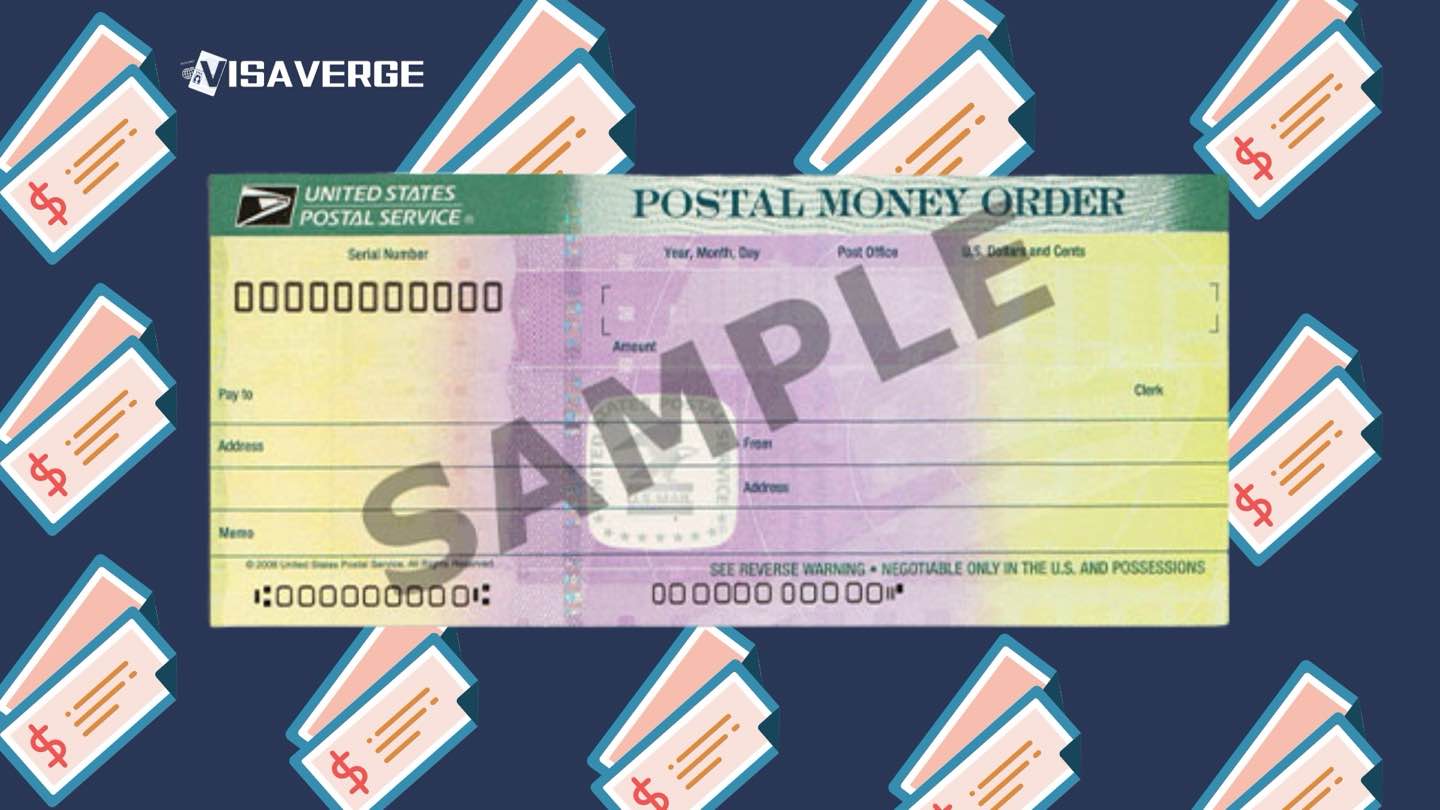
- USCIS has officially discontinued money orders and paper checks for almost all immigration filing fees.
- Applicants must use electronic payment methods like credit cards (G-1450) or ACH transfers (G-1650).
- Failure to comply with new digital standards results in automatic rejection of the entire application package.
USCIS has ended money orders and paper checks for immigration filing fees, and that change now shapes nearly every filing strategy in 2026. Since October 28, 2025, applicants must pay with electronic payments unless they qualify for a rare exemption, and missed compliance now leads to automatic rejection.
The shift affects green card applicants, naturalization seekers, work permit filers, employers, and family petitioners. It also hits people who do not have a U.S. bank account, because USCIS has moved away from the old payment methods many families relied on for years.
The policy was announced on August 29, 2025, and it ties to Executive Order 14247, “Modernizing Payments to and from America’s Bank Account.” USCIS says the move reduces fraud, mail loss, and delays caused by handling paper payments. According to analysis by VisaVerge.com, the biggest change is not just how fees are paid, but how quickly a filing can be rejected if the payment is wrong.
Payment Rules Now Driving Every USCIS Filing
USCIS now accepts payment mainly through Form G-1450 for credit or debit cards and Form G-1650 for ACH debits from a U.S. bank account. Card payments work with Visa, Mastercard, American Express, Discover, and prepaid cards. ACH payments pull funds directly from checking or savings accounts.
The agency gives a narrow path for exceptions through Form G-1651, Request for Exemption from Electronic Funds Transfer. That route is reserved for people with no access to electronic banking, those facing undue hardship under 31 CFR Part 208, cases involving national security or law enforcement, and other Treasury Secretary-approved circumstances. Approvals are not automatic.
For most filers, the new rule is simple: no money orders, no paper checks, no exceptions unless USCIS approves one in advance. A filing mailed with the old payment style now faces rejection at intake.
Forms, Fees, and the New Filing Routine
The process starts with the correct fee and form instructions. USCIS fees change over time, so filers should confirm the current amount on the USCIS official website. Forms now often filed electronically include N-400 for naturalization, I-90 for green card replacement, I-765 for work authorization, I-539, and I-131. E-filing is also expanding across the agency.
When paper filing is still allowed, G-1450 and G-1650 must be completed with exact amounts and accurate account details. USCIS charges the card or bank account only after the package reaches intake. That timing matters for people watching card balances or bank limits.
The safest practice is to match the fee exactly, sign the payment form, and check that the application package reaches the right lockbox. A wrong amount, a missing signature, or a payment form that is incomplete can trigger rejection before a file is even opened.
How the New Payment Process Works
A clean filing now follows a short sequence.
- Confirm the filing method and current fee on USCIS instructions.
- Choose
G-1450for card payments orG-1650for ACH. - Enter exact payment details, sign the form, and attach it to the packet.
- Mail the filing to the correct lockbox, or pay online during e-filing.
- Save every receipt, confirmation page, and bank record.
For e-filing, the payment is entered through the portal at submission. That creates an instant record and usually a faster receipt notice. For paper filings, USCIS sends the charge after intake, often several days later. A declined charge can set back the case and force a new filing.
The agency now places more weight on digital proof. Receipt notices, biometrics updates, and status tracking all move more smoothly when the fee is accepted electronically. For many families, that speed reduces the stress that used to come with waiting for a check to clear.
Applicants Without U.S. Bank Accounts
People without a U.S. account are no longer blocked, but they face a tighter path. Prepaid credit cards are now the main workaround for many international filers. They can be used on G-1450 if the full fee is loaded and the card can support the charge.
That matters for students, workers, spouses abroad, and other applicants who do not keep U.S. banking relationships. It also matters for community groups and immigration lawyers who help clients assemble filing packages. Many firms now collect client funds separately and then pay USCIS through their own electronic systems.
For some religious organizations filing I-129 petitions for R-1 workers, the change is especially important because they often used to rely on paper payments. Under the new rule, those filings must move to electronic payment or risk rejection.
Common Mistakes That Now Lead to Rejection
The most common errors are simple, and USCIS treats them harshly.
- Using a money order after October 28, 2025
- Sending a paper check with a filing
- Leaving
G-1450,G-1650, orG-1651unsigned - Entering the wrong fee amount
- Using the wrong lockbox address
- Forgetting a separate biometrics fee when one applies
USCIS also rejects altered payment forms. If a card number, amount, or bank detail is wrong, the safest move is to complete a fresh form. A “small” error can stop a green card filing, a work permit renewal, or a naturalization case before it starts.
The rule affects more than payment method. It changes how people plan filings, coordinate funds, and decide whether to e-file or use a paper packet. It also adds pressure to keep balances available when USCIS later charges the card.
Why USCIS Says the Shift Matters
USCIS says paper payments created problems that digital systems reduce. Lost mail, theft, fraud, and manual handling all slowed the agency’s work. Electronic payments also reduce the number of staff needed to process paper money, which fits the broader federal move toward digital collection.
The practical effect is visible in receipt timing. E-filing often produces instant confirmation, while paper filings still wait for intake and charge processing. That difference matters for time-sensitive cases, including work authorization renewals and family-based adjustment packages.
The fee structure itself has also become more demanding. USCIS raised many fees in 2024, and no major 2026 increase has been announced here. That makes accuracy even more important, because a rejected filing can force applicants to pay again and lose time.
For readers comparing options, the clearest government reference remains the USCIS payments and forms guidance page, which links to the official payment forms and current filing rules. That is the place to check before mailing anything.
USCIS has also expanded e-filing to cover more than 80% of volume, and that wider digital system is now the center of its payment policy. Money orders are gone, paper checks are gone, and electronic payments are the new standard for nearly every immigration filing.