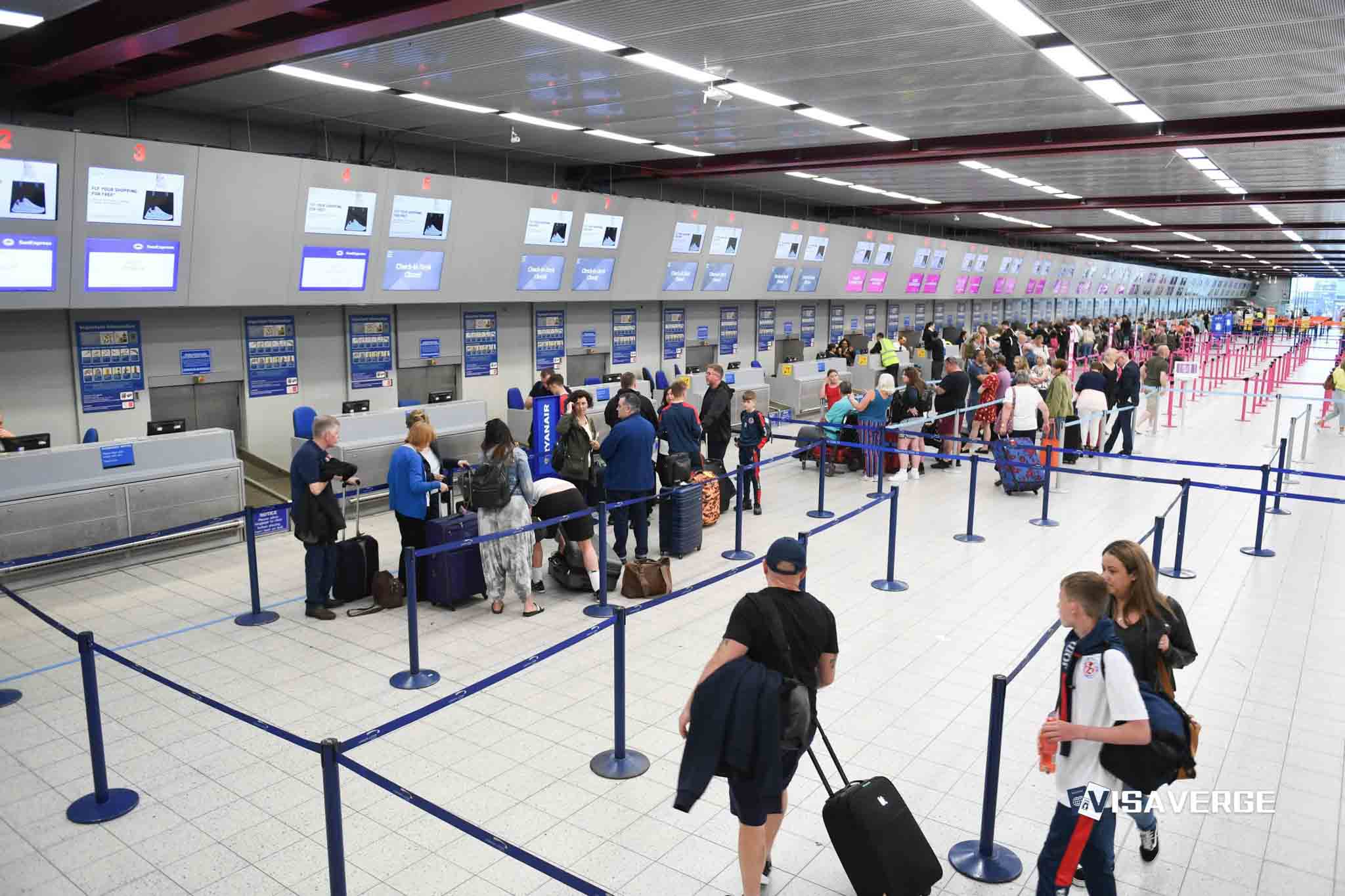
Starting today, the smartest way to tell whether your flight is one of the “exceptional” ones that’s actually running again is to verify it remotely before you head to the airport. During major disruptions, that one decision can save you hours in check-in lines, prevent wasted rideshares, and help you keep your rebooking options open.
I’ve been through enough irregular operations to learn this the hard way: a flight can look “fine” on the timetable and still be dead in the water operationally. The good news is you can usually confirm real movement from your couch using a small set of tools—then double-check with the airline before you commit.
Overview: What it means to check for “exceptional” resuming flights without going to the airport

When travelers say an “exceptional” resuming flight, they usually mean this: the airline is restarting limited service after a widespread meltdown, but only some flights are operating. Think of it as triage mode. Certain routes get priority, crews are out of position, aircraft rotations are tangled, and the published schedule becomes more of a suggestion.
- Severe weather that causes airport ground stops or de-icing backlogs
- ATC flow restrictions that throttle arrivals and departures
- Aircraft and crew displacement after cascading cancellations
- Airport staffing constraints that slow baggage and gate turns
The key distinction is “scheduled” versus “operating.” “Scheduled” means the flight exists on the timetable. “Operating” means the airline has a plane, a crew, and a realistic plan to move it. In disruption conditions, you want evidence of operations—not just a line item.
Remote verification matters because airports clog fast during recovery. If you show up too early with thousands of other stranded passengers, you lose time and options. If you wait too long, you can miss the narrow window when a flight truly comes back online.
Step 1: Gather your flight details
Before you open any tracker, collect the minimum set of details that identify the right instance of your flight. This prevents the most common mistake: tracking the wrong day, the wrong leg, or a codeshare version.
- Airline name and two-letter code plus the flight number
- Departure and arrival airports, ideally by airport code
- Scheduled date and local departure time
- Your booking email or airline app details for quick copy/paste
Exactness matters because flight numbers get reused daily. Some get reused multiple times per day on different routes. Codeshares add another layer of confusion. Your “flight” might be marketed by one airline and operated by another.
Time zones also bite people during disruptions. A flight “delayed to 1:10 a.m.” can be a next-day departure locally. Trackers usually handle this well, but only if you select the correct date.
Step 2: Access a tracker website or app
For most travelers, a two-tracker setup is the sweet spot. Use one tool that’s great for operational status and history, and one that’s great for live aircraft movement and alerts.
Here’s how the big names tend to differ:
- FlightAware: Strong for status history, aircraft assignments, and delay patterns. It’s a reliable “what’s really happening” checker.
- Flightradar24: Best-in-class map view for live aircraft position. It’s excellent for spotting inbound aircraft movement.
- FlightStats / Flightview: Straightforward flight status search tools that can be quicker than map-first apps.
- Flighty: A traveler-friendly app experience, with aggressive alerting and predictive-style notifications in many scenarios.
Even when two trackers agree on the headline status, they may disagree on the exact timestamp. That’s normal. They use different data sources and update cadences, and they reconcile changes at different speeds.
During true irregular operations, treat third-party trackers as a fast “signal” layer. Treat the airline’s own app and messages as the “authority” layer. The tracker can tell you what’s moving. The airline decides whether you can check in, board, or rebook.
Step 3: Enter and search your flight
Search using a consistent method:
- Enter airline + flight number.
- Select the correct date.
- Confirm the route and airports match your itinerary.
Once you find your flight, you’re looking for signals that it’s truly back in operation. In disruption recovery, a flight can show up in systems long before it has a gate, an aircraft, or a credible departure plan.
The strongest “this is real” indicators tend to be:
- A recently updated departure estimate, not a stale scheduled time
- Gate information that appears and changes as operations normalize
- Inbound aircraft details that show a plane is actually arriving to operate your flight
- Notes that reflect active airline operations, not generic schedule text
Be careful with statuses that sit unchanged for hours. If the time and gate never move, you may be looking at a schedule artifact. During mass disruptions, some systems also “auto-roll” estimates without the operation truly recovering.
This is also where you should watch for the difference between a flight being listed and a flight being trackable. If you can see an inbound aircraft moving toward your departure airport, that’s usually a better sign than any single label.
Step 4: Cross-check multiple sources
One tracker is a snapshot. Two or three sources give you a trend line, and trend lines are what you need during recovery operations.
Cross-checking matters because:
- Some feeds lag, especially when airlines re-time flights in bulk
- Some systems temporarily show “phantom” schedules that never operate
- A flight can be “reinstated” but later pulled again due to crew legality or aircraft swaps
A practical way to verify resumption is to look for consistency across three categories:
- Time: more than one source reflects a recent update to departure estimates.
- Movement: an aircraft is en route or has arrived to operate your leg.
- Authority: the airline app shows your flight as actionable for check-in and seat assignment.
You don’t need a technical deep dive into FAA feeds or ADS-B to use this well. Just remember: live aircraft position tends to be the hardest signal to fake, while schedule text is the easiest to misread.
A simple decision rule works well:
- Go if you see movement plus airline confirmation and a stable departure window.
- Wait if you see only schedule updates without movement or airline actionability.
- Recheck later if updates are conflicting or more than two hours old during peak disruption.
⚠️ Heads Up: During recovery days, “delayed” can mean “not actually staffed yet.” Don’t leave home on a delay alone.
Step 5: Set alerts
Manually refreshing every five minutes is a great way to drain your battery and your patience. Alerts are the underrated “comfort feature” of flight tracking during disruptions.
Most tools can notify you when:
- Status changes occur
- Gate or terminal assignments change
- Departure estimates move
- Cancellations post
- An aircraft begins moving or a flight starts tracking live
To set alerts so they’re useful:
- Turn on push notifications for your tracker and your airline app.
- Allow notifications on your lock screen so you don’t miss quick changes.
- Set quiet hours overnight so you don’t get woken up by minor timestamp nudges.
- If you’re using email or SMS alerts, whitelist the sender so they don’t land in spam.
One reality check: alerts can arrive out of order, especially if multiple systems update at once. Treat an alert as a prompt to verify, not as the final word.
Step 6: Verify with the airline
Third-party trackers can tell you the aircraft is moving. Only the airline can tell you whether you can travel on it.
Once FlightAware, Flightradar24, or Flighty suggests your flight is operating again, confirm it in the airline’s app or website using your confirmation code.
In “exceptional” operations, airlines may run a partial schedule with special rules. Those rules can change quickly. Same-day changes may be restricted. Standby lists may be frozen. Rebooking windows may open and close.
On the airline side, check for:
- Check-in availability
- Boarding pass issuance
- Your seat assignment still confirmed
- Baggage drop status and minimum cutoffs
- The latest official departure time and gate
This matters even more on award tickets and partner bookings. A tracker can show your plane. It can’t guarantee your ticket was protected correctly after a schedule scramble.
From a points and status perspective, this step is where you protect your trip value:
- If you’re chasing elite status, confirm the rebook keeps you in an eligible earning fare.
- If you used miles, confirm whether a voluntary change triggers repricing.
- If you’re on a partner award, confirm your new flight still “talks” to the ticketing carrier.
A flight that “resumes” but becomes impossible to check in for is a practical cancellation for you.
How trackers work and what “exceptional” status means
At a high level, trackers pull from two big buckets of information:
- Operational messages and schedules from airlines and aviation data systems
- Aircraft position data that shows real-world movement
Those buckets don’t always reconcile instantly. That’s why one app can show a delay while another shows a cancellation, and the airline app shows “pending.”
“Exceptional” recovery operations also create weird patterns you can learn to spot:
- Rolling resumptions: flights restart in waves as crews and aircraft return to position.
- Prioritized routes: hubs and high-volume trunk routes recover first.
- Rotation catch-up: your flight may depend on an aircraft that’s late from two legs earlier.
- Staffing constraints: even with an aircraft present, boarding can be slow if gates and ramp teams are stretched.
Knowing when to stop monitoring is just as important. If your flight has had repeated rolling delays, missed its inbound aircraft twice, or destroys your connection chain, it’s often better to pivot.
That pivot can mean rebooking to:
- A different flight number on the same route
- A nearby airport with better recovery odds
- A partner airline if your fare rules allow it
- A later date, if you’re traveling for leisure and want predictability
Quick verdict: Is this “tracker-first” approach worth it?
Yes, especially during major disruptions. Flight trackers won’t replace the airline, but they can keep you from making the most expensive mistake in irregular operations: showing up too early to wait in a crowd for a flight that isn’t really back.
Used correctly, a two-source check plus airline verification is the closest thing to a sanity filter you can get.
Tracker “comfort” review: Usability, alerts, and features
This isn’t seat pitch and legroom, but it is traveler comfort. The best tracker is the one you can read quickly, trust, and act on while juggling bags, family, and rebooking stress.
Here’s a practical comparison:
| Tool | Best for | Where it shines during disruptions | Watch-outs |
|---|---|---|---|
| FlightAware | Operational status and history | Clear flight pages and timing changes | Can lag airline app on last-mile gate changes |
| Flightradar24 | Live map and aircraft movement | Seeing inbound aircraft actually moving | Map view can distract from the “is it actionable” question |
| Flighty | Alerts and traveler-first workflow | Fast notifications and trip-style tracking | Still needs airline confirmation for check-in and control |
Food/service, entertainment, amenities (in the disruption sense)
When you’re stuck during irregular operations, “service” becomes responsiveness and clarity:
- Airline app reliability and push notifications matter as much as any tracker.
- Airport amenities matter more if you decide to go, especially lounges and food options.
- If you have lounge access through status or a premium card, it can be the difference between coping and suffering.
If you’re on an award ticket, a flexible points currency can be your best “amenity.” Rebooking with miles is often faster than arguing at a counter.
Who should book this?
- Time-sensitive travelers: If missing the trip is costly, verify remotely and rebook early when signals look bad.
- Families and groups: Fewer unnecessary airport hours means fewer meltdowns and more control.
- Points and status chasers: Use trackers to protect elite-qualifying plans, then confirm fare and crediting in the airline app.
- Award travelers: Track resumption signals, but prioritize airline confirmation to avoid ticketing surprises.
If you’re in a disruption today, start with airline + flight number + date, confirm aircraft movement on Flightradar24, corroborate status on FlightAware, then verify check-in and boarding pass issuance in the airline app before you leave home.