(CHARLOTTE, NORTH CAROLINA) — TSA just switched on TSA PreCheck Touchless ID at Charlotte Douglas International Airport, and it can shave real time off your security routine. If you fly American Airlines often through CLT, enroll now and use the dedicated lane at Checkpoint 2. If you don’t, standard PreCheck is still the smarter, lower-effort choice for most travelers today.
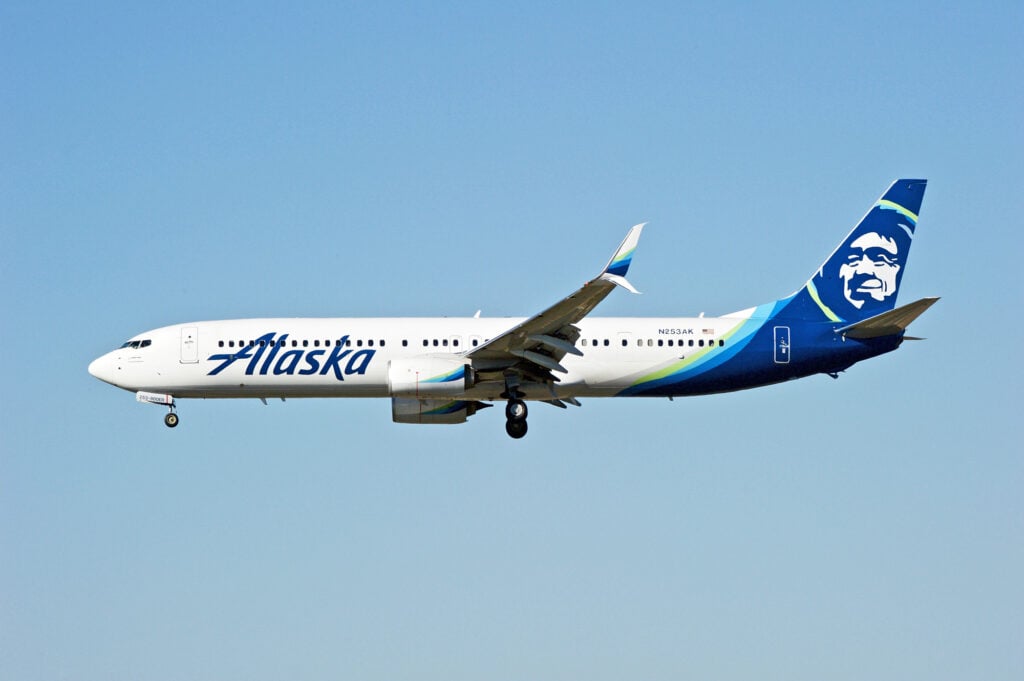
Touchless ID is TSA’s new checkpoint option that uses facial recognition technology to confirm you’re you. In practice, that means you can usually skip handing over your ID and boarding pass at the document check. At CLT, it’s currently tied mainly to American Airlines for eligible travelers, with other airlines participating at other airports.

Quick recommendation
- Best for frequent CLT flyers on American: TSA PreCheck + Touchless ID. It’s the same PreCheck rules, with fewer “stop and show documents” moments.
- Best for everyone else flying CLT: Standard TSA PreCheck. It’s available to far more people, with less airline-specific setup.
TSA PreCheck Touchless ID vs Standard TSA PreCheck: side-by-side
| Feature | TSA PreCheck Touchless ID (CLT) | Standard TSA PreCheck (CLT) |
|---|---|---|
| Who it’s for | Eligible TSA PreCheck members on participating airlines | Any TSA PreCheck member |
| Where at CLT | Checkpoint 2, dedicated Touchless ID lane | Multiple PreCheck lanes, depending on checkpoint staffing |
| What you show at doc check | Usually nothing at first; face scan does the work | Physical ID + boarding pass (paper or mobile) |
| Tech used | Facial comparison against passport photo + reservation data | Manual ID check by officer |
| Setup required | Airline profile setup + opt-in (varies by airline) | None beyond TSA PreCheck enrollment |
| Age requirement | 18+ for the Touchless ID flow | PreCheck exists for eligible travelers; ID rules still apply |
| Passport requirement | Yes, must have a valid passport on file | No passport required for domestic flights |
| Backup plan | Bring ID anyway; TSA may still ask during rollout | Your ID is the plan |
| Party / family | Each traveler must opt in individually | Everyone follows normal PreCheck rules |
| Privacy choice | Optional opt-in; can use regular PreCheck instead | No face scan required for PreCheck |
Option 1: TSA PreCheck Touchless ID at CLT (the new thing)
This is the “walk up, look at the camera, keep moving” version of PreCheck. It’s still TSA PreCheck screening: shoes stay on, laptops stay in the bag, and liquids follow the 3-1-1 rule.
How it actually works at Charlotte Douglas International Airport
At Charlotte Douglas International Airport, Touchless ID is running at Checkpoint 2 in a dedicated lane for eligible travelers. You check in in your airline app, then head to that lane. A camera captures your face. TSA’s system matches it to the photo tied to your passport and your trip details.
If the system matches you, you’re cleared to continue without the usual document handoff. TSA can still ask for your ID, especially during the early rollout.
⚠️ Heads Up: Bring your physical ID anyway. The pilot phase can include random or situational ID checks.
Setup: easier than it sounds, but airline-dependent
Your TSA PreCheck membership alone isn’t enough. You also need a passport and you must opt in through your airline.
Here’s what the setup looks like by carrier, based on current program rules:
- American Airlines (AAdvantage)
Log into aa.com or the American app, add passport details, and opt in. At CLT, this is the primary way most travelers will access Touchless ID today. Enrollment may require annual renewal. -
Delta (SkyMiles)
Add passport and Known Traveler Number to your profile, then opt in. Delta treats it as a one-time enrollment in participating locations. -
Southwest (Rapid Rewards)
Use the app to scan your passport, add your KTN, and opt in.
Activation can take up to 10 minutes after opting in. That matters if you try to do it in the Uber.
Set up Touchless ID in your airline app, add your passport data, and opt in at least 10 minutes before departure. When you reach Checkpoint 2, you’ll use the dedicated lane for faster document checks.
Price: it doesn’t cost extra, but it may cost time to set up
TSA isn’t charging a separate fee for Touchless ID. You’re still paying for PreCheck membership, which is where the real cost sits.
The trade-off is time and effort:
– You must have a valid passport.
– You must connect your passport data to your airline profile.
– You must opt in, and sometimes renew.
If you’re a once-a-year flyer, that setup can feel like more work than it’s worth.
⚠️ Heads up: during rollout, TSA may still request a physical ID. Always carry your ID and boarding pass just in case, and don’t rely on Touchless ID as your only option.
Time savings: where it helps most
Touchless ID doesn’t magically shorten the physical screening queue. It targets the document-check pinch point.
You’ll feel the benefit most when:
– CLT is slammed at peak banks.
– The ID checker position becomes the bottleneck.
– You’re stuck behind families digging through bags for IDs.
If you’re already a “phone in hand, boarding pass ready” traveler, the gain may feel smaller — but it’s still a convenience improvement.
Comfort and stress factor: fewer stops, fewer fumbles
This is the underrated win. The best security experiences have fewer steps. Touchless ID reduces classic friction points:
– No handing over an ID.
– No passing a phone back and forth.
– Less chance you drop your license or leave it behind.
It also helps when you’re juggling coffee, a roller bag, and a kid’s backpack.
Miles and points angle: the real win is consistency
There’s no direct mileage bonus here — TSA doesn’t hand out points.
But if you’re a points-and-status traveler, time is currency:
– Making a tight connection protects award tickets and prevents costly same-day changes.
– It reduces the odds of missing a flight on a nonrefundable fare.
– If you’re chasing elite status, missed segments are painful.
For American loyalists in Charlotte, this pairs well with the hub-and-spoke reality. CLT irregular operations can snowball quickly. Anything that lowers stress before the first flight helps.
Option 2: Standard TSA PreCheck at CLT (still the workhorse)
Standard PreCheck is familiar and widely available. You’ll still show ID and a boarding pass, then enjoy the lighter-touch screening rules.
Price: same membership, less setup
Because Touchless ID is an add-on experience, not a separate membership, the cost conversation is simple.
Standard PreCheck features:
– No passport requirement for domestic trips.
– No airline profile work.
– No special lane hunting at a specific checkpoint.
If you’re flying CLT on a mix of airlines, standard PreCheck is the “it just works” choice.
Reliability: fewer moving parts
When a program depends on:
– an airline opt-in,
– a green badge on a mobile boarding pass,
– a dedicated lane at a specific checkpoint,
there are more ways for it to break on a random Tuesday.
Standard PreCheck is boring, and boring is good at airport security. It’s consistent across airlines and airports.
Competitive context: how CLT stacks up
Airports and airlines are racing to cut queue time with biometrics.
- Delta has pushed facial recognition hard at hubs like ATL, often paired with a strong in-app experience.
- American is bringing TSA PreCheck Touchless ID into its Charlotte hub, where it can matter most.
- Southwest participation is notable given its leisure-leaning customer base; that could help adoption over time.
For CLT specifically, the big story is access: if you’re not flying American, Touchless ID may not be available to you yet at Charlotte.
Which one should you choose?
Choose TSA PreCheck Touchless ID if…
- You fly American Airlines through CLT often, especially weekday mornings.
- You already have a valid passport and keep it current.
- You hate the document-check slowdown more than the physical screening line.
- You’re usually traveling solo or with one other adult.
This is also great if CLT is your home airport and you’re routinely cutting it close.
Choose standard TSA PreCheck if…
- You fly a mix of carriers, or you don’t mainly fly American at CLT.
- You don’t have a passport, or it’s expired.
- You’re traveling with kids or a group that won’t all opt in.
- You want the most predictable experience across airports.
For many travelers, standard PreCheck remains the best “set it and forget it” move.
Practical tips for CLT flyers trying Touchless ID
- Use Checkpoint 2 on purpose. The Touchless ID lane is there, not everywhere.
- Check in on the app. Look for the green Touchless indicator on your mobile boarding pass.
- Opt in before you leave home. Give it at least 10 minutes to activate.
- Still carry your ID. Treat Touchless ID like an express option, not your only option.
🔔 If you’re traveling with family, ensure all eligible travelers opt in individually and look for the green Touchless badge on mobile boarding passes before you reach the checkpoint.
Key takeaway: If you’re flying CLT this holiday week, opt in the night before your trip and head straight to Checkpoint 2 to test the Touchless lane. If you don’t see the Touchless badge at check-in, don’t burn time hunting for it — use regular PreCheck and keep moving.
A nuanced verdict for December 2025: TSA PreCheck Touchless ID is a real quality-of-life upgrade at Charlotte Douglas International Airport, but it’s not yet a universal fix. It’s best today for American loyalists who already live in the airline app and keep a passport on file.
TSA has implemented Touchless ID at Charlotte Douglas International Airport (CLT), primarily for American Airlines passengers. This facial recognition system speeds up the document verification process at Checkpoint 2. It requires a PreCheck membership, a valid passport, and an airline app opt-in. While more efficient for frequent flyers, standard PreCheck remains the recommended choice for those flying multiple carriers or traveling without a passport.